The quick answer: home recording needs a quiet space, a device with a recording app or DAW, a suitable microphone and wired headphones. Test before the main session: check room noise, reflections, latency and clipping. Record several controlled takes, keep the unprocessed originals and send tracks for mixing with a common start point.
A basic recording setup
You can start with a phone or computer. Extra equipment adds control, but won’t compensate for a noisy recording, clipped input or an under-rehearsed part.
If your song is still just lyrics or an idea, build its form with our songwriting guide first. If recording over an existing beat, keep the source file and confirm its license.
Step 1. Find the quietest space
Shure recommends starting with a good source sound: avoid mechanical noise and hard reflective surfaces, compare positions and point the microphone’s less sensitive side toward unwanted noise. That doesn’t make any small room or closet a studio. Make several short recordings and choose by listening.
- Turn off fans, air conditioning and device notifications.
- Move away from windows, bare walls and tables if they create audible reflections.
- Check background noise during silence and the loudest passage.
- Don’t place the microphone on a surface that carries footfalls or keyboard vibrations.
Move the performer and microphone before trying to fix the room in processing. A good position often helps more than aggressive noise reduction afterward.
Step 2. Set the input and monitoring
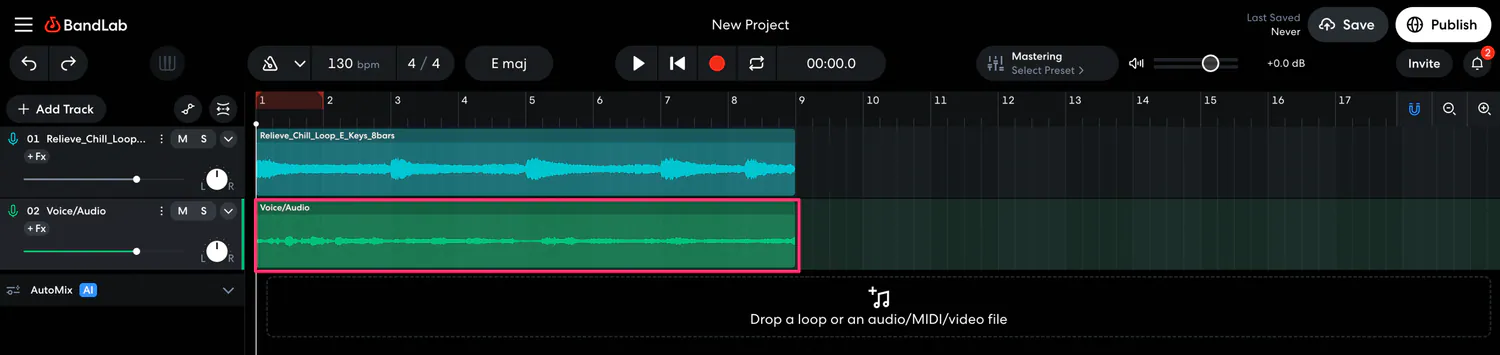
Select the correct audio input, turn on a metronome or backing track, and connect wired headphones. Bluetooth latency can make performing in time difficult. If your interface supports direct monitoring, compare it with software monitoring and choose the more comfortable option.
Set input gain using the performance’s loudest passage. The meter should not reach digital clipping. Don’t aim for the loudest possible recording: a clean signal with headroom is easier to work with than distorted peaks.
Step 3. Position the microphone and test
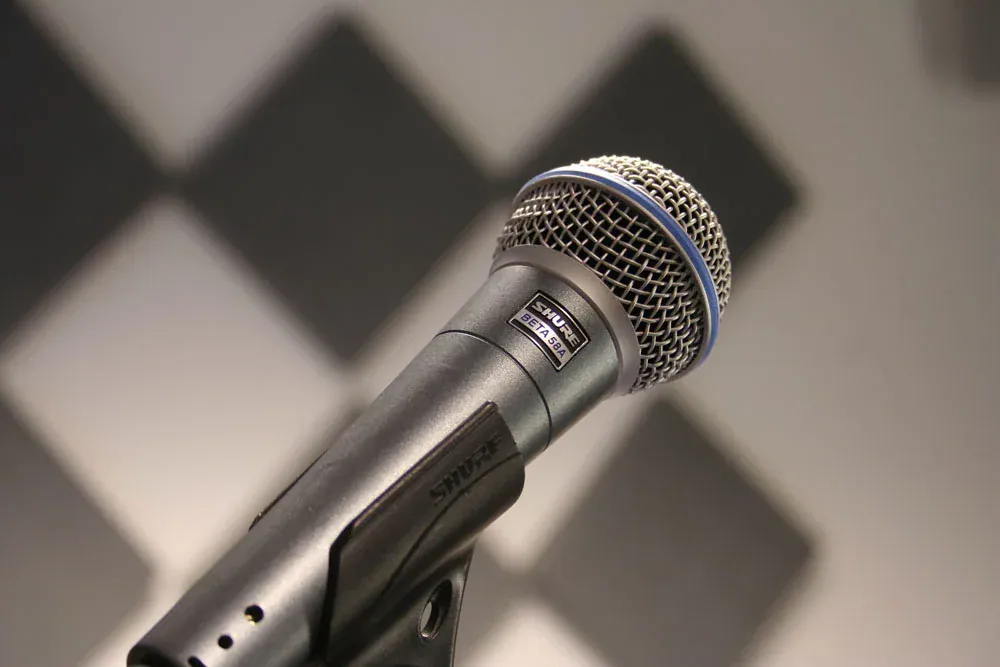
Shure suggests starting around 15–30 cm away, then adjusting for the microphone, voice and room. With a directional microphone, getting too close may boost bass through proximity effect; moving farther away captures more room reflections. Use a pop filter and keep a steady distance. To reduce plosives, place the microphone slightly above or below mouth level and aim it toward the mouth.
Record one quiet and one loud passage. Listen on headphones without effects for clipping, hum, clicks, plosive P and B sounds, obvious echo, backing-track spill and timing latency. Fix the setup before a long session.
Step 4. Record a performance, not a collection of fixes
Start with several complete takes. They preserve emotional development and reveal where the performer consistently runs out of breath or loses timing. Then record difficult lines, doubles, backing vocals and alternative deliveries separately.
- Keep your position consistent between similar takes. Otherwise tone and room sound will vary noticeably.
- Make short notes. Mark strong phrases immediately, but don’t delete the others while recording.
- Watch for fatigue. If control declines, a break is better than ten more identical takes.
- Keep creative effects separate. Retain a dry original if distortion, telephone filtering or heavy autotune should remain reversible.
Step 5. Build a rough comp without losing originals
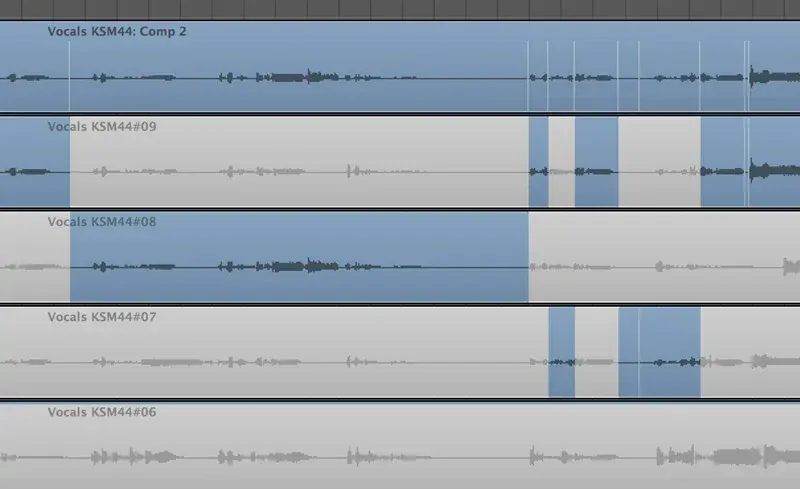
Choose the strongest phrases and edit at quiet points, keeping breaths and natural word endings. Use short fades to avoid clicks. Apply pitch and timing correction only as the task requires; excessive editing can alter consonant attacks and natural phrasing.
Store original recordings separately from the edited version. If a bad edit or artifact appears later, the engineer can return to a clean take.
Noise reduction, EQ and compression cannot restore a clipped signal or remove room reflections without side effects. Re-record a problem passage while the setup is still in place.
Prepare your tracks for mixing
Export every required file from the same start point, even if a part enters later. Use clear names such as lead vocal, doubles, backing vocals, ad-libs and guitar. Keep the project’s original sample rate, don’t convert working tracks to MP3, and include a rough mix showing the intended balance.
- All tracks begin at the same timeline position
- Names describe each part’s role
- Remove unused and mistaken takes from the delivery folder
- Keep dry originals separately
- Include or describe essential creative effects
- Add a rough mix and the project tempo
- Check that files open after copying to a new folder
Continue with our mixing guide. If you record entirely on a phone, first check export features in our mobile app comparison.