Create music
Cover art and video
In one AI Studio
A song for someone special, your own lyrics set to music or a visual world for your next track. Start with an idea; all your tools are together in one studio.
Where would you like to start?
Every idea has its own path
A song as a gift
Your story, familiar words and a feeling worth keeping.
Turn your words into music
Give the lines in your notes a voice. Choose a genre and find your sound.
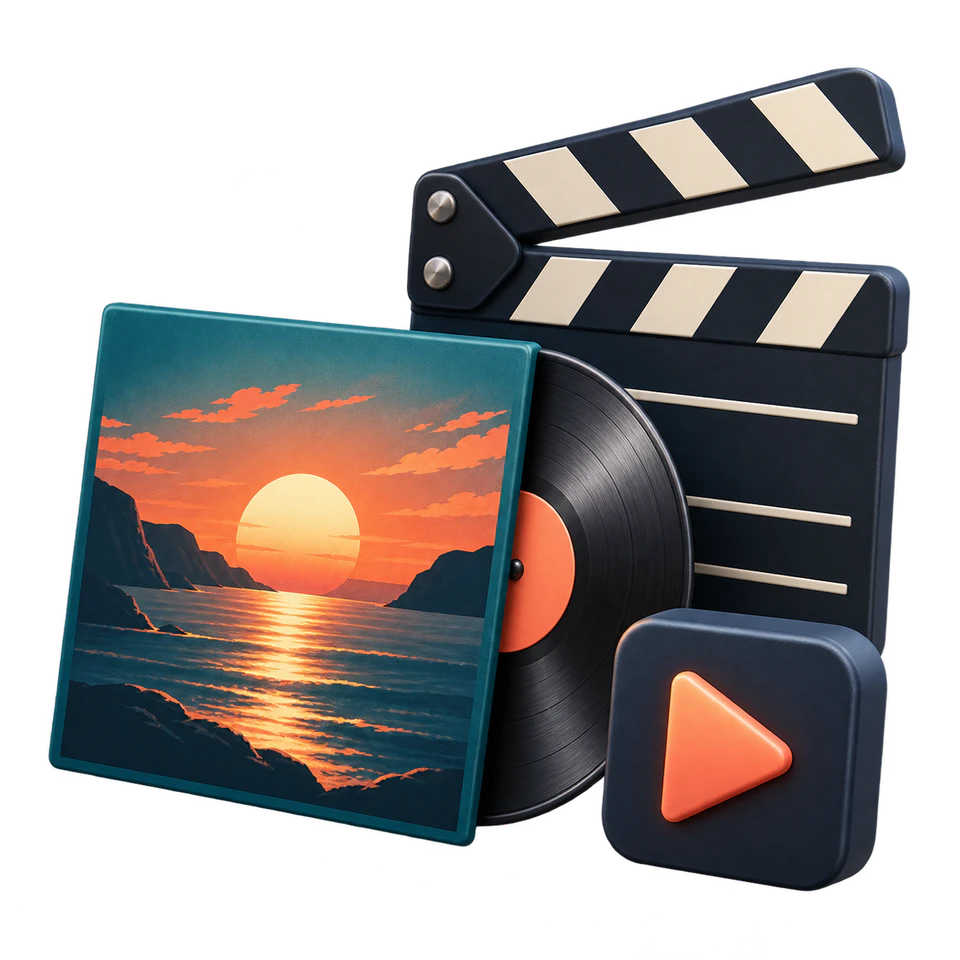
Cover art and a video teaser
Build a visual world for your track, from cover art to a short preview.
From an idea to a first version
Start with words
Keep creating
- 01Choose what you want to createA song, lyrics, cover art or a whole release.
- 02Describe your idea and adjust the settingsDescribe the style, mood and details in your own language.
- 03Compare versions and download your favoriteListen, edit, save—and keep creating.
One studio. More ways to create.
Creating is easier with everything together
Your next sound starts here
Prepare your prompt here, then keep creating in AI Studio
- 1Describe your idea
- 2Start creating
- 3Listen and refine
Start at your own pace
One balance
More possibilities
Add ₽200 or more to your AI balance and use it across different tools. You’ll see the price before you create.
Other image models have their own prices.
Each new generation is charged separately.
Do I need to sign in to explore the studio?
No. You can choose a tool and prepare your idea without signing in. You’ll need an account to generate, add funds and access your work.
Do I have to release my music on platforms?
No. Create demos, gifts and visuals as standalone projects. Distribution is a separate step; generating something never publishes it automatically.
What should I check before using my work?
Listen to the whole track and check the image or video. Public and commercial use requires rights to your source materials and suitable terms for the tool you choose.
How do I save music and make a video?
Download your chosen MP3 and keep a local copy. For a music release, prepare a WAV or M4A master. Video is generated separately: you’ll need to edit it and sync it to the song yourself.