A song starts with a decision, not inspiration
You don’t have to wait for the perfect mood to write your first song. You need four things: one idea, a hook, contrast between sections and a draft you can listen to. Inspiration supplies material; selection and editing turn it into a finished track.
Step 1. Put your idea in one sentence
Answer four questions: who is speaking, to whom, what do they want, and what stands in the way? For example: “Someone returns to an empty apartment and realizes they miss their former self, not the person who left.” That already gives you a setting, a conflict and a turn.
List ten objects and details that belong in the scene: wet keys, the refrigerator light, an unread message, the neighbors’ elevator. Specific objects make the lyrics yours. Abstract words such as “pain,” “fate” and “forever” don’t show anything on their own.
Step 2. Find your hook
A hook is a song’s most recognizable phrase, melody or rhythmic pattern. It doesn’t have to be complicated. It usually helps if you can say it in one breath and understand it without an explanation of the previous verse.
- It contains a specific image or action
- It connects to the song’s central idea
- You can repeat it without making the line feel unnecessary
- Stressed syllables fall naturally on strong beats
- It doesn’t repeat another writer’s well-known line
Step 3. Build a simple structure
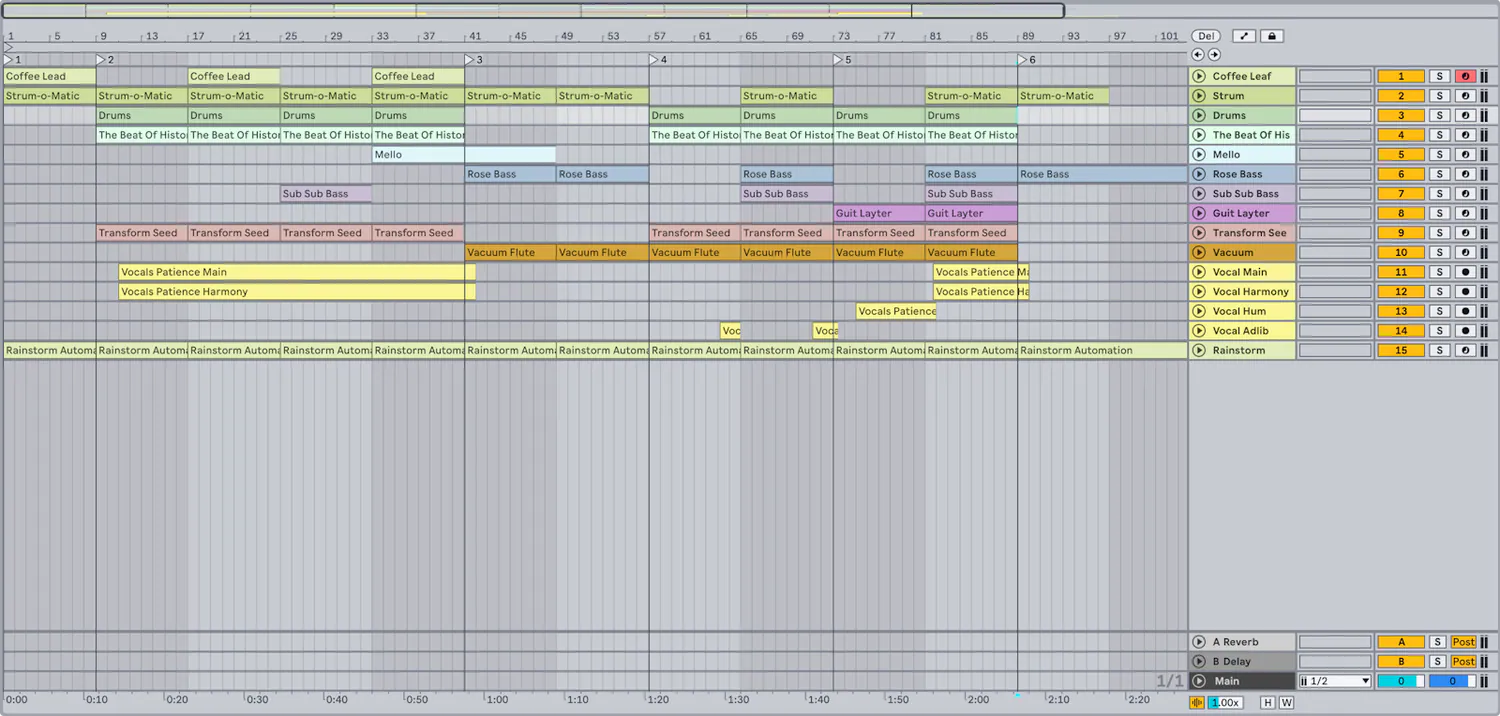
Structure gives a song movement, not rules for their own sake. A verse adds information, the chorus states the main emotional conclusion, and a bridge offers a new angle. Start with a familiar framework and experiment once the song holds together:
None of these sections is mandatory. If the second verse retells the first, rewrite or remove it. If the chorus means nothing different after the bridge, you may not need that bridge.
Step 4. Write to a rhythm
Speak each line aloud over a metronome or drum loop. Count stressed syllables and rests, not letters. Words that look even on the page may feel very different when sung: one long vowel or cluster of consonants can change the whole phrase.
- Verse: adds events and details without spelling out an emotion in every line.
- Pre-chorus: builds anticipation and leads into the main phrase.
- Chorus: carries the hook and makes sense on its own.
- Bridge: creates contrast through new harmony, rhythm, perspective or a conclusion.
If you can’t find a rhyme, write the meaning in prose for now. A precise thought with an imperfect rhyme is more useful than a beautiful line that pulls the song off course.
Step 5. Find the melody and harmony
Record several melodies for the same lyrics without changing the chords. The first often follows your usual speech patterns; the third or fourth may develop a melodic life of its own. Compare the contour: where it rises, stays on one note or leaves a pause.
If you don’t play an instrument, try a simple chord loop in a DAW or mobile app, or generate a few AI versions. In creator AI music, you can set the style, title and your own lyrics, then compare versions. Download your chosen MP3 and keep a local copy. Treat it as a draft for an official release: refine it in a DAW and export a WAV/M4A master. There is no direct transfer to the release form. Describe tempo, tone, instruments and musical development rather than asking the model to copy a specific living artist.
Step 6. Record a demo early
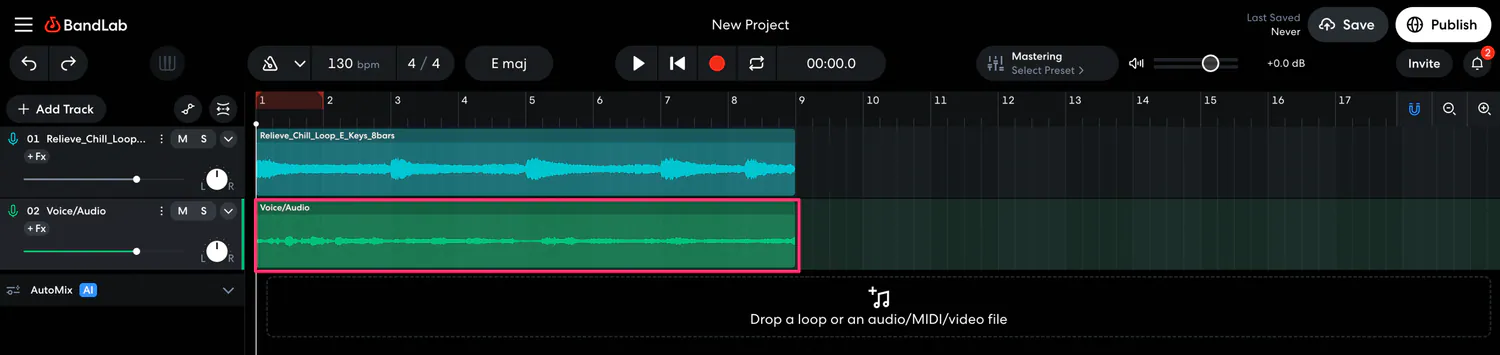
A demo doesn’t have to sound release-ready. Its job is to reveal section lengths, vocal range, the strength of the chorus and places where attention drops. A phone, free DAW or microphone with an audio interface will work. Keep one tempo and avoid hiding a weak song under dozens of effects.
After recording, leave the demo until at least the next day. Then ask: where do you want to skip ahead? Which line stayed with you? Can you recognize the chorus without the arrangement? Does the song change by the end? Fix the big things—structure and melody—before individual rhymes.
Step 7. Record each writer’s contribution
The music and lyrics form a musical work; a particular recorded version is a sound recording. These are different layers of rights. If one person wrote the words, another the music, and a third produced and recorded the master, “we’ll split it later” isn’t an agreement.
Keep dated lyrics, project files, voice notes, demo exports and conversations about shares. Clearly record the composers, lyricists, master owner and permissions for any beats, samples and vocals used.
Step 8. Take the song through to release
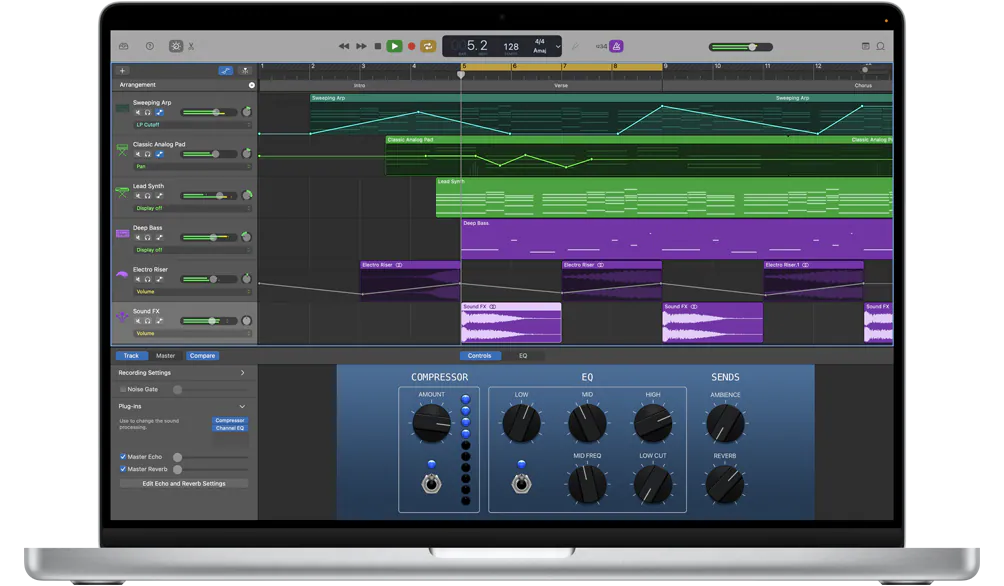
After the final lyrics and demo comes production: arrangement, recording, mixing, mastering and checks on different playback systems. Then prepare cover art. A separate creator tool can generate a 3000×3000 JPG. The generator uses its own cover balance; download the image from the gallery, check your rights and attach it to the release manually. Our cover art checklist explains content requirements.
Your final songwriting checklist
- You can explain the song’s idea in one sentence
- The chorus has a recognizable hook
- Every verse adds new information
- The words are comfortable to sing at your chosen tempo
- The verse and chorus melodies have different functions
- The demo makes sense without the writer explaining it
- Shares, licenses and source materials are documented
- The final master and cover art are ready for review