Your phone can be a studio, but the right app depends on the job
A smartphone can handle almost the entire journey from idea to file: play MIDI, program drums, record vocals, add effects and export a mix. Choose by your main task rather than button count: a cloud project, a full arrangement, recording on Apple devices or quick sampling.
| App | Best use | Platforms | Main limitation |
|---|---|---|---|
| BandLab | A free start, vocals and collaboration | iOS, Android, browser | Cloud-based workflow and project limits |
| GarageBand | Recording and arranging in the Apple ecosystem | iPhone, iPad | Apple devices only |
| FL Studio Mobile | Beats, MIDI and standalone mobile projects | iOS, Android, Chromebook | A paid app, with a small screen for complex mixing |
| Koala Sampler | Sampling everyday sounds and making quick beats | iOS, Android and other systems | Primarily a sampler, rather than a conventional multitrack studio |
BandLab: a free studio with cloud projects
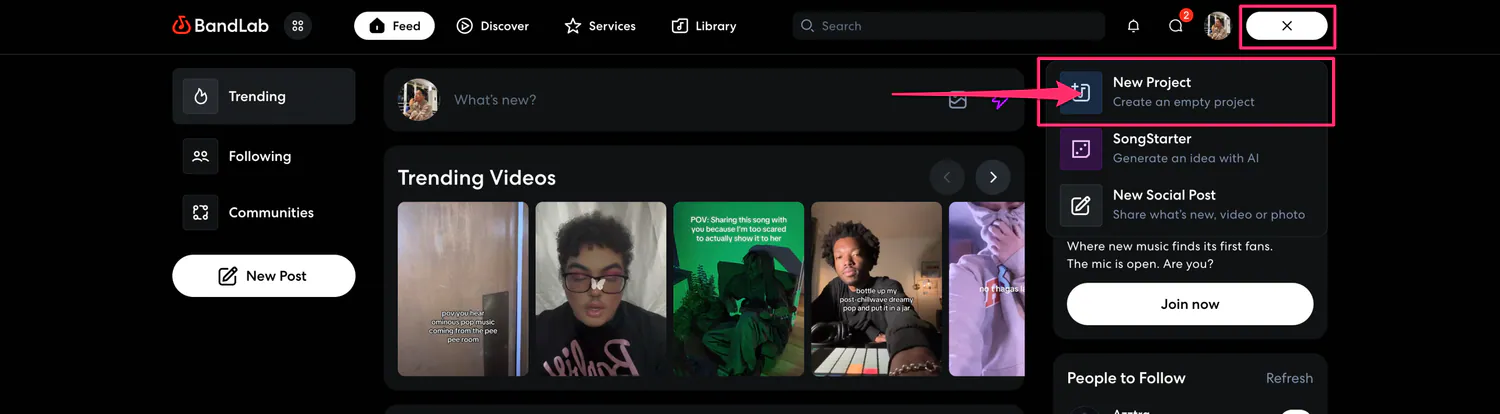
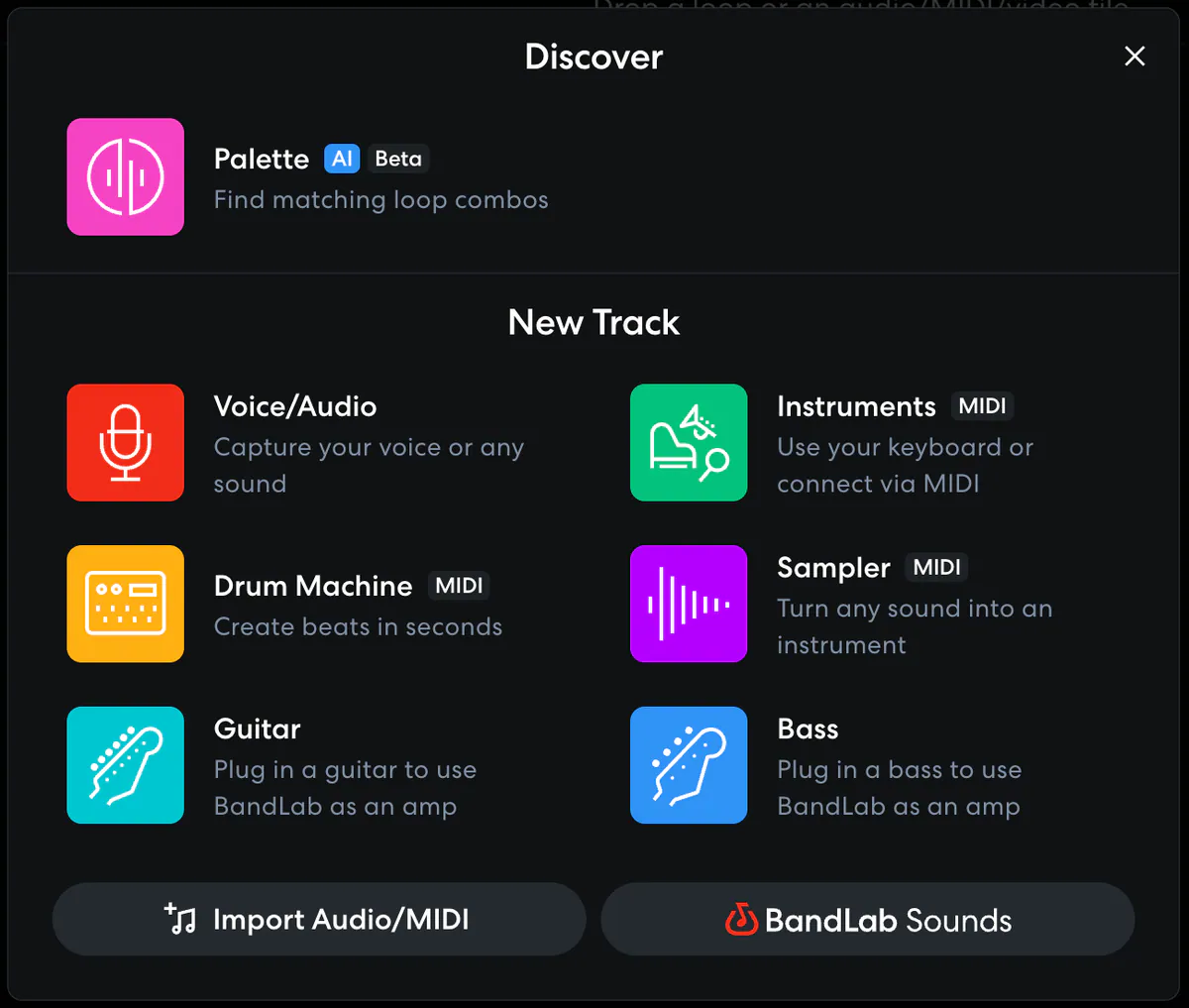
BandLab’s current help describes Studio as a free cloud DAW for browsers and phones. Record audio and work with MIDI, effects, virtual instruments and loops. Free projects are limited to 15 minutes and 16 tracks. BandLab Membership increases the track count to 32, while the duration remains 15 minutes.
It’s a good start if you want to record vocals quickly, open a project on another device or invite a collaborator. Download important versions in advance, though, and don’t rely on the cloud as your only copy.
GarageBand: a straightforward full workflow on iPhone and iPad
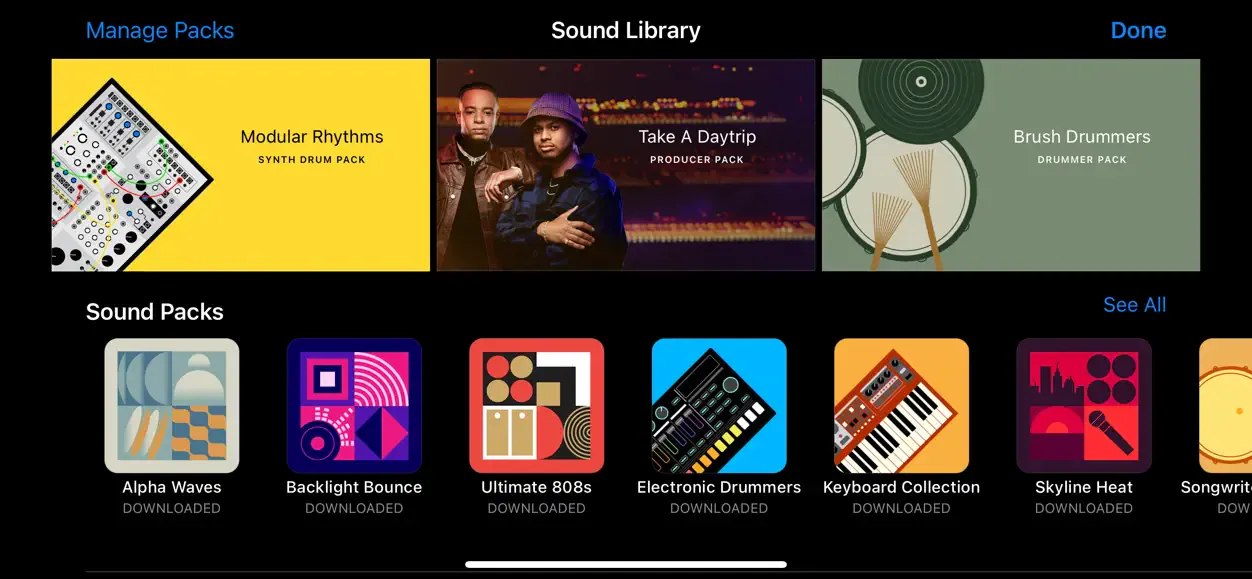
GarageBand combines Touch Instruments, loops, microphone recording, effects and arranging. You can transfer an idea started on an iPhone or iPad to a Mac. For a musician already in the Apple ecosystem, it’s a direct route without a separate purchase of a large desktop DAW.
FL Studio Mobile: a mobile DAW with project export
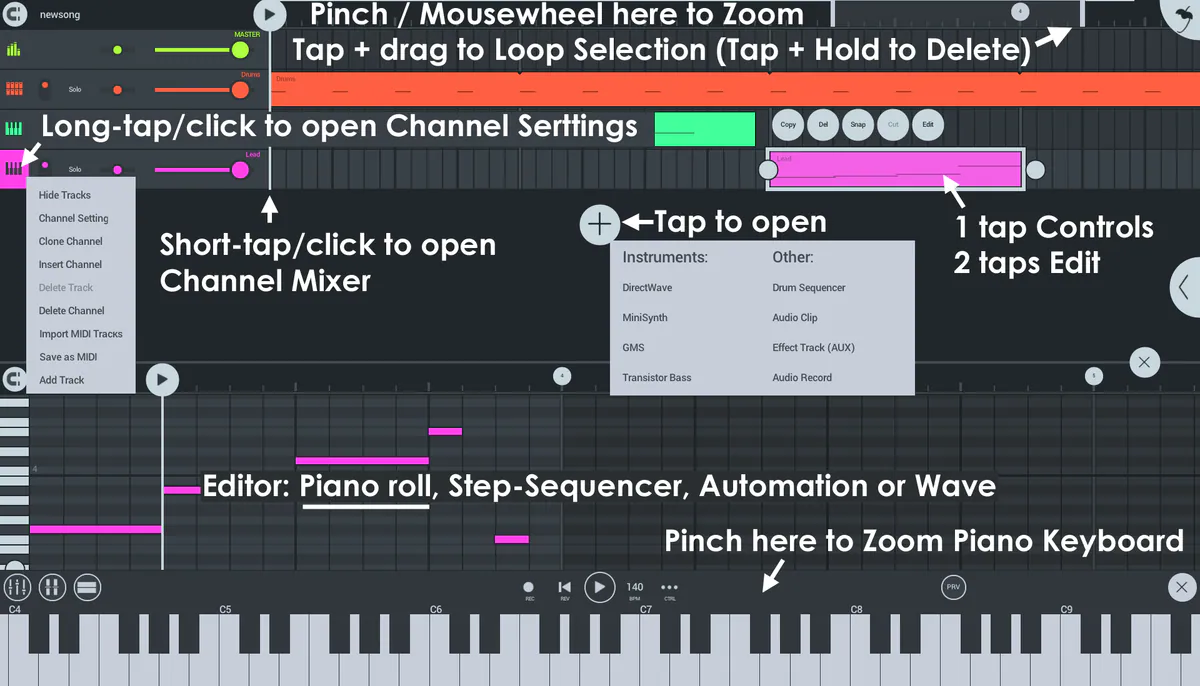
FL Studio Mobile supports a complete mobile workflow: piano roll, built-in instruments, effects, audio recording, automation and a mixer. Its official page lists WAV, MP3, AAC, FLAC, MIDI and FLP project export for continuing in desktop FL Studio. That’s useful if your phone is where ideas start and your computer is where you finish them.
Koala Sampler: record a sound and turn it into a beat
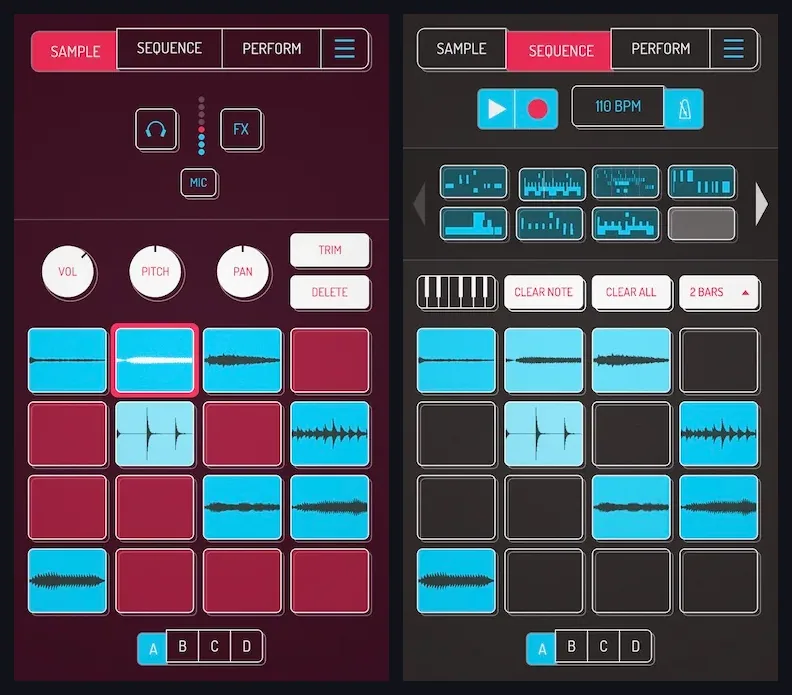
Koala centers on samples: record a clap, voice or street sound through the microphone, trim it, change its pitch, place it on a pad and build a sequence. The app supports up to 64 samples, resampling, effects and WAV export. It won’t replace a large DAW for a complex vocal session, but it removes much of the friction between finding a sound and making a rhythm.
Choose an app with five questions
Step by step: your first song on a phone
- Set the tempo and form. Create a short intro, verse and chorus rather than three minutes of the same loop.
- Build the rhythm. Start with kick and snare, add hi-hats, then add embellishments.
- Add bass and one main instrument. Leave some space: a mobile project can become overcrowded quickly.
- Record vocals somewhere quiet. Turn off notifications, remove the case if it covers the microphone, and record several takes from the same distance.
- Edit the recording rather than hiding it. Choose the best take and remove noisy passages first, then use EQ, compression and reverb.
- Check the export. Listen outside the app on headphones, your phone speaker and a car system or household speaker.
Turn on Do Not Disturb to reduce interruptions and record a ten-second test. Listen back, check the selected microphone and make sure the input isn’t clipping.
Rights to loops and samples
“Royalty-free” usually means a license with specific terms, not an absence of authorship or rules. Keep the license page and proof of obtaining each sample. Don’t extract clips from other people’s songs, videos or films without permission. For AI sounds, check commercial rights under the selected plan separately.
After your mobile mix
If your arrangement has grown, export individual tracks and continue in a desktop DAW. If the file is ready, check mixing and mastering, then prepare the cover art. In creator AI cover art, you can generate a 3000×3000 JPG and download it from the gallery. This is a separate paid tool with its own balance. Check the content and rights before release, then attach the file manually.
Use the original master exported directly from your project for distribution. If transferring it through a messaging app, send it as an original file rather than compressed media, and check its format after receiving it.