A quick choice, without a “best overall” ranking
Music-making software is called a DAW, or digital audio workstation. It combines multitrack recording, MIDI, arranging, plugins, a mixer and export in one environment. There is no universal winner: the right workflow depends on whether you record vocals, make beats, perform live or mix other people’s tracks.
| DAW | Best suited to | Systems | How to try it |
|---|---|---|---|
| FL Studio | Beats, electronic music and fast piano-roll editing | Windows, macOS | Full-featured trial, but saved projects can’t be reopened until you buy a license |
| Ableton Live | Electronic music, improvisation, live performance and arranging | Windows, macOS | 30 days of Live Suite with saving and export |
| REAPER | Recording vocals and instruments, editing and mixing | Windows, macOS, Linux | 60-day full evaluation without reduced features |
| GarageBand | Your first Mac track, vocals, guitar and built-in instruments | macOS | Free on compatible Apple devices |
| LMMS | Free beat-making, MIDI and synthesis on a tight budget | Windows, macOS, Linux | Free and open source |
 FL Studio
 Ableton Live
 REAPER
 GarageBand
 LMMS
LMMSFL Studio: an accessible route into beats and electronic music
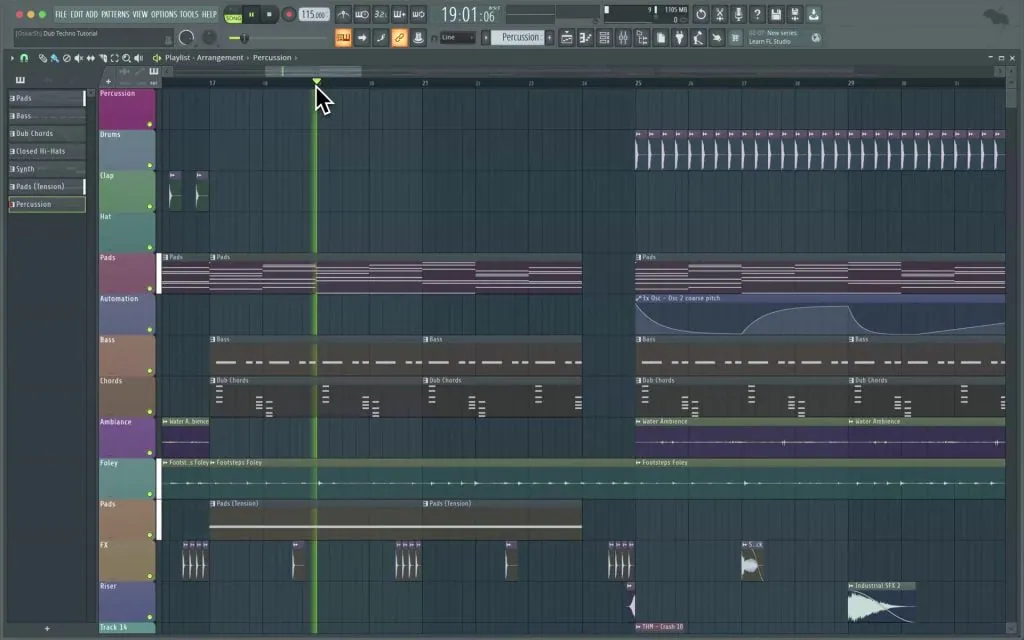
FL Studio builds its workflow around patterns, the Channel Rack and piano roll. You can quickly create drums, bass and a melody, then arrange them in the Playlist. The trial lets you test almost the entire workflow, but has one important official restriction: you can’t reopen a saved project until you buy a license.
A benefit of the license is Image-Line’s stated lifetime updates for the edition you purchase. Compare editions before buying, though: included instruments and recording features differ.
Ableton Live: ideas, arrangements and performance
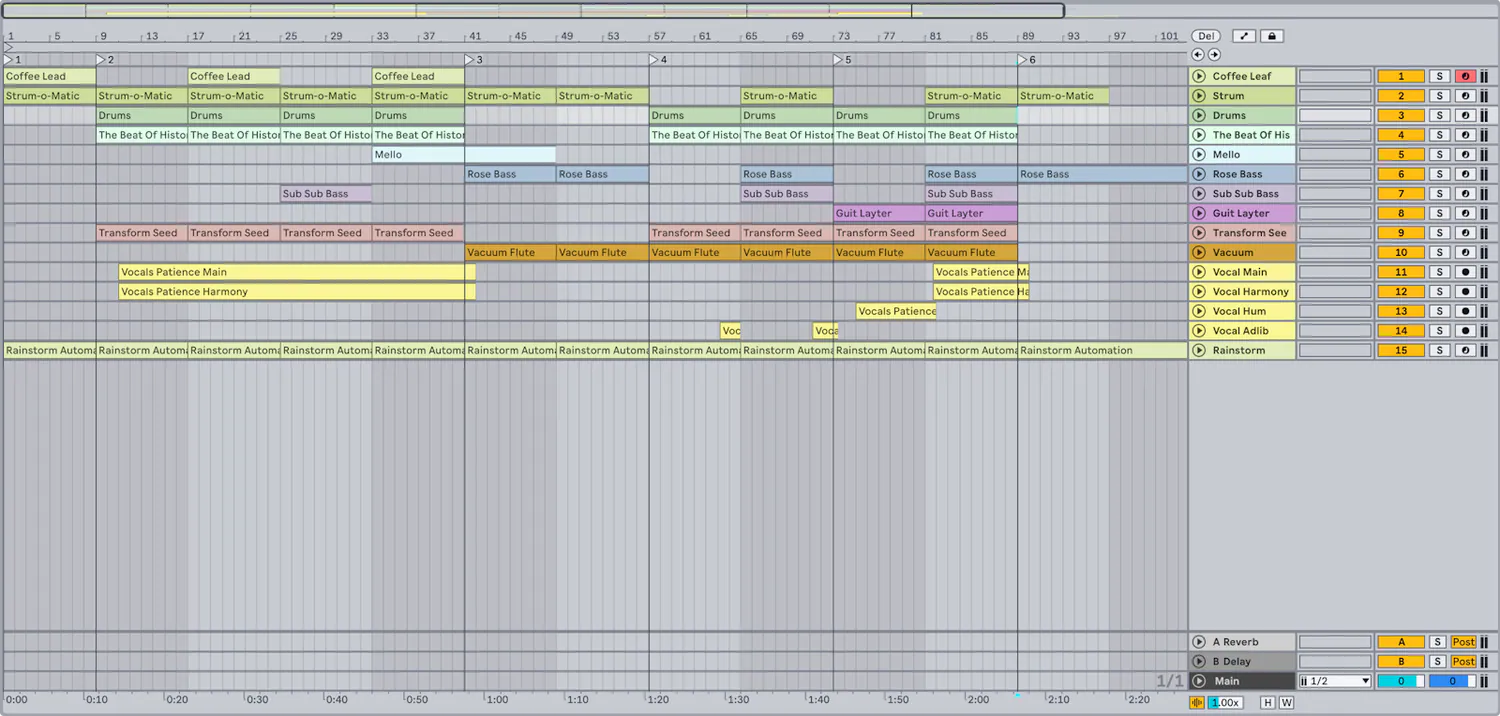
Live has two connected approaches: a linear Arrangement View and a Session View where you can launch clips and try combinations without stopping the project. That works well for electronic music, improvisation and discovering a song’s form. The official 30-day Live Suite trial allows saving and export, so you can test it with a finished short composition.
REAPER: a compact recording workstation
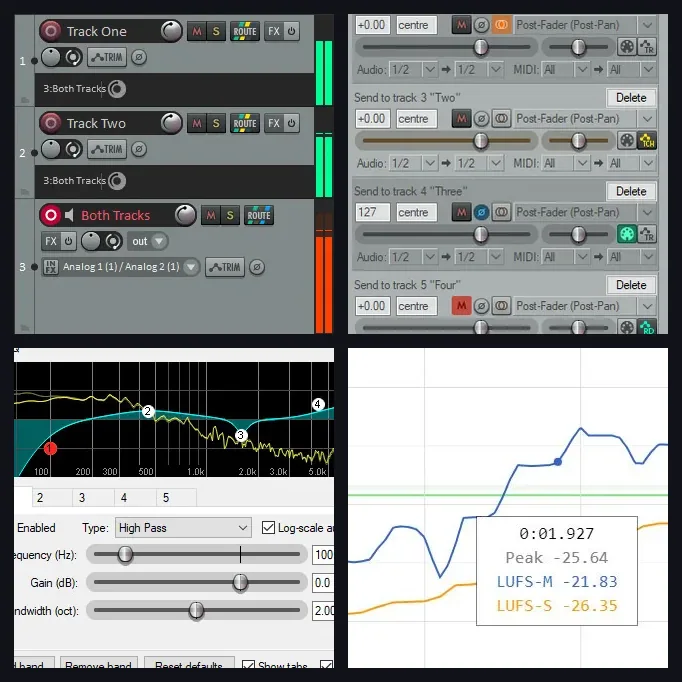
REAPER offers one fully featured version with flexible routing, multitrack recording, editing, mixing and mastering. Its official evaluation lasts 60 days. The interface takes some setup, but the program is lightweight, extensible and runs on the three main desktop operating systems.
GarageBand: a natural starting point on Mac
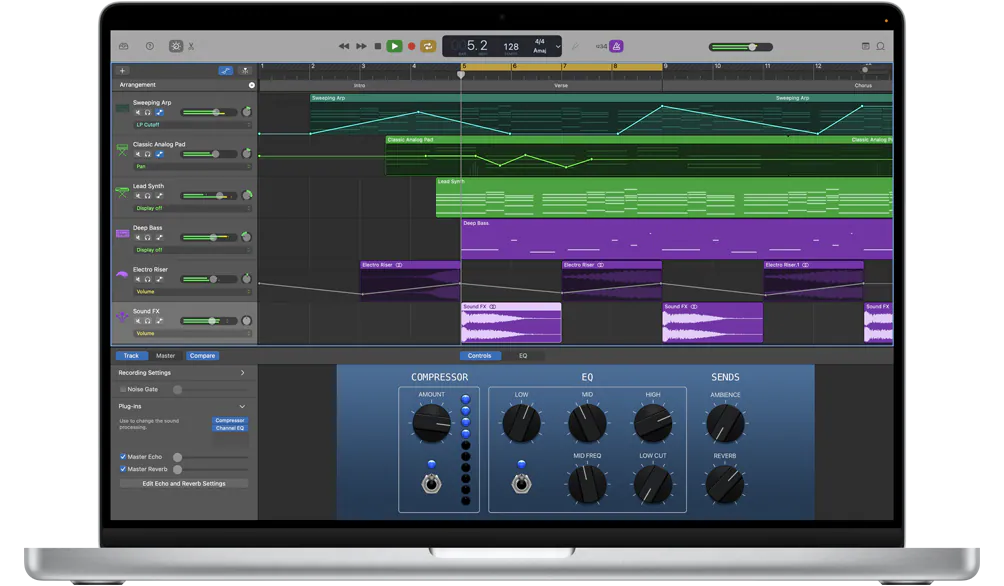
GarageBand includes software instruments, loops, voice and guitar presets, virtual drummers, recording and basic mixing. A song started on an iPhone or iPad can be transferred to a Mac for further work. Moving a standard Mac project back is more limited: the iPhone needs a specially prepared compatible version. If you already have a Mac, it’s a straightforward way to learn multitrack production without buying another DAW.
LMMS: a free option for MIDI and beats
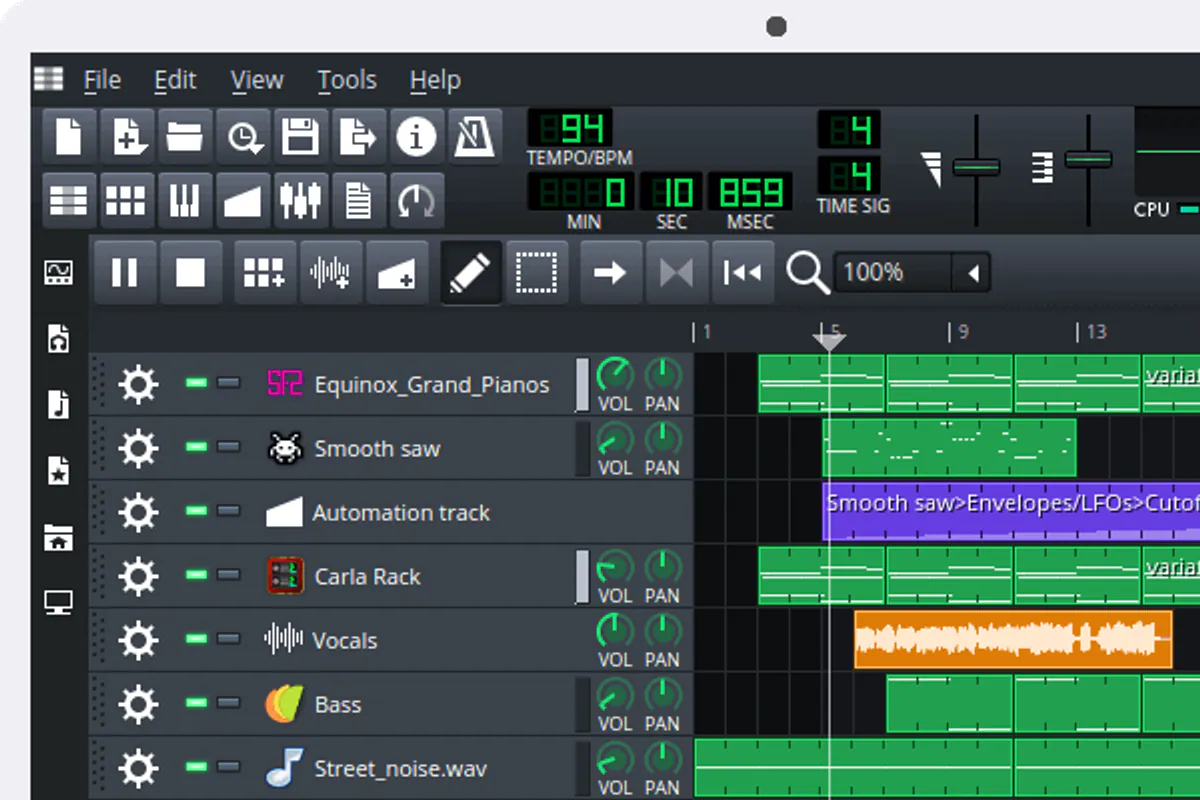
LMMS is a free, open-source DAW for Windows, macOS and Linux. It includes a piano roll, Beat+Bassline Editor, automation, built-in synths and plugin support. It suits programmed music well. For conventional vocal recording, another DAW may be more convenient, or you can record audio separately and import it.
How to choose in one evening
- Create a project at your song’s intended tempo
- Add drums, bass and one chord instrument
- Record or import 30 seconds of vocals
- Create two automation moves and one send effect
- Save, close and reopen the project
- Export a WAV and check it outside the program
This test tells you more than hours of reviews. If finding a basic feature requires a twenty-minute video, the interface may get in the way of how you think. If everything works for you, don’t change DAWs because of someone else’s ranking.
What a beginner actually needs
Avoid unofficial “free bundles” with plugins from random sources. Beyond license violations, you risk losing projects and account credentials. Official trials and free tools are enough to test your workflow.
If you aren’t ready to learn a DAW yet
Test an idea with an AI demo: in creator AI music, set the genre, mood, vocals and lyrics, generate versions, then download your chosen MP3 and keep a local copy. For a release, open it in a DAW, refine it and export a WAV/M4A master: creator’s release form does not accept MP3. Paying for generation does not by itself confirm commercial rights. Obtain the applicable terms for the AI result separately.
From project to release
Once the arrangement is ready, avoid exporting dozens of random versions. Organize your tracks, then follow our guides to mixing and mastering. For cover art, you can generate a 3000×3000 JPG in creator, download it from the gallery, check your rights and manually attach it to the release. AI cover art is paid from a separate balance.